
Lumens CamConnect Pro
Planned: voice tracking, camera presets and room profiles of a Lumens CamConnect Pro (AI-Box1) from any RTI panel.
Overview
Coming soon. This driver is on our roadmap. It will control a Lumens CamConnect Pro processor (AI-Box1 and AI-Box1N) over its IP control API, so an RTI panel can switch voice tracking, recall room profiles and camera presets, choose cameras for the output layout and show the state of cameras and microphones.
Room zones and the link between microphone zones and camera presets stay in the CamConnect Pro’s own web page, where you set the room up once. If you have a project waiting for this driver, write to us — knowing your room helps us decide what comes first.
What it will do
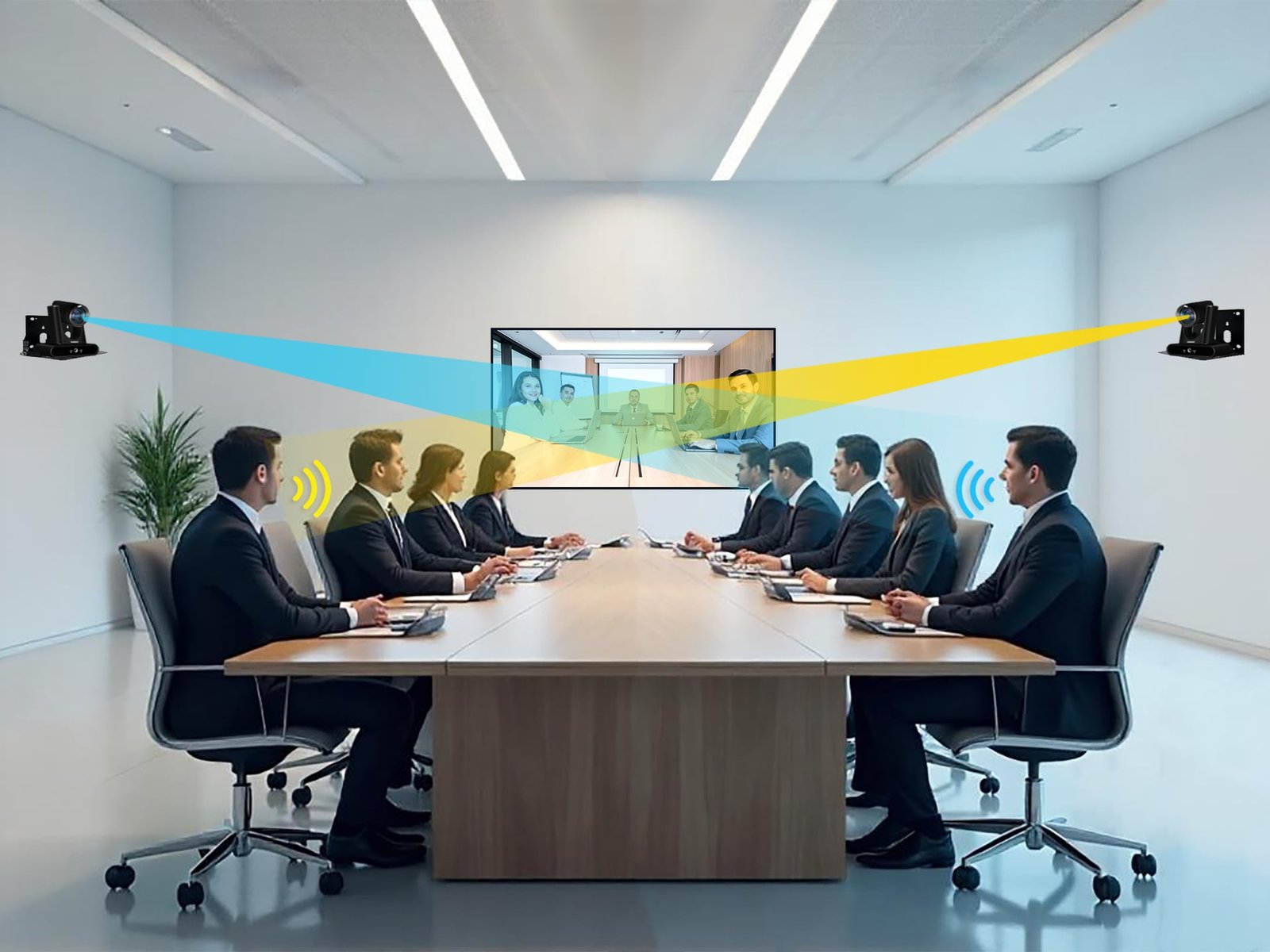
The camera will follow whoever speaks
CamConnect Pro listens to the ceiling or table microphones and sends the right camera to the right preset. The driver will switch voice tracking on and off from the panel — off while you set up presets, on for the meeting — and show its state and the microphone connection.

A room layout in one tap
The driver will recall the eight saved profiles, put cameras in the windows of the output (one, two, three or four), call camera presets, and move, zoom or focus a camera by hand while tracking is off — all planned on the CamConnect Pro’s own HTTP/TCP control API.
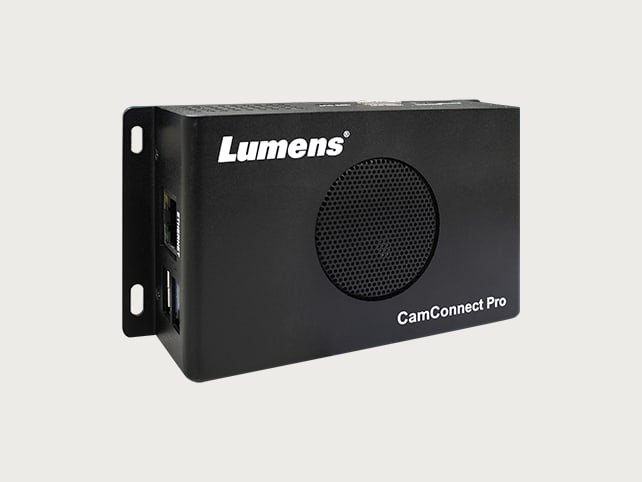
Know the box is ready before the meeting
Planned as well: standby and wake-up from the panel, the streaming output on and off, and feedback on which cameras are connected, whether the microphones are reachable, which profile is loaded and whether the box is running or asleep.
Coming soon
This driver is on our roadmap and is not available yet. Write to us and we will let you know as soon as it is ready — and tell us what you need it to do.
Notify me